A mobile game timeline should not be guessed from the number of screens or characters. The timeline depends on how quickly the team can prove the core loop, prepare a stable Unity build, create store-ready assets, test on real devices, and respond to the first player data after launch.
For most commercial mobile games, the best timeline is staged. Do not treat prototype, production, store launch, and post-launch improvement as one blurred task. Each stage has a different risk and a different acceptance check.
Timeline Summary
A simple prototype can take days or a few weeks. A polished casual or puzzle game may need several production sprints. A simulator, sports game, or live product needs more time for controls, cameras, performance, content, monetization, and QA.
- Discovery and scope: 2 to 5 working days
- Prototype or proof of loop: 1 to 3 weeks
- MVP production: 3 to 8 weeks
- Store assets, ASO, privacy, and release readiness: 1 to 2 weeks
- Soft launch and first update cycle: 2 to 4 weeks
- Ongoing LiveOps and optimization: monthly
These ranges are planning bands, not promises. A clean brief, clear reference games, existing art, and simple mechanics shorten the work. Custom 3D art, complex physics, multiplayer, backend systems, or unclear ownership can expand the timeline quickly.
Stage 1: Discovery
Discovery defines what the game must prove. The goal is to turn a loose idea into a production question: does this loop feel good, can the audience understand it, can it be monetized without harming retention, and can it launch on the target store?
Useful discovery inputs include the genre, reference games, target platform, target device floor, monetization model, art direction, launch market, budget range, must-have features, and current assets. If a Unity project already exists, discovery should also review scenes, plugins, build settings, package name, SDKs, code condition, and store account access.
Stage 2: Prototype
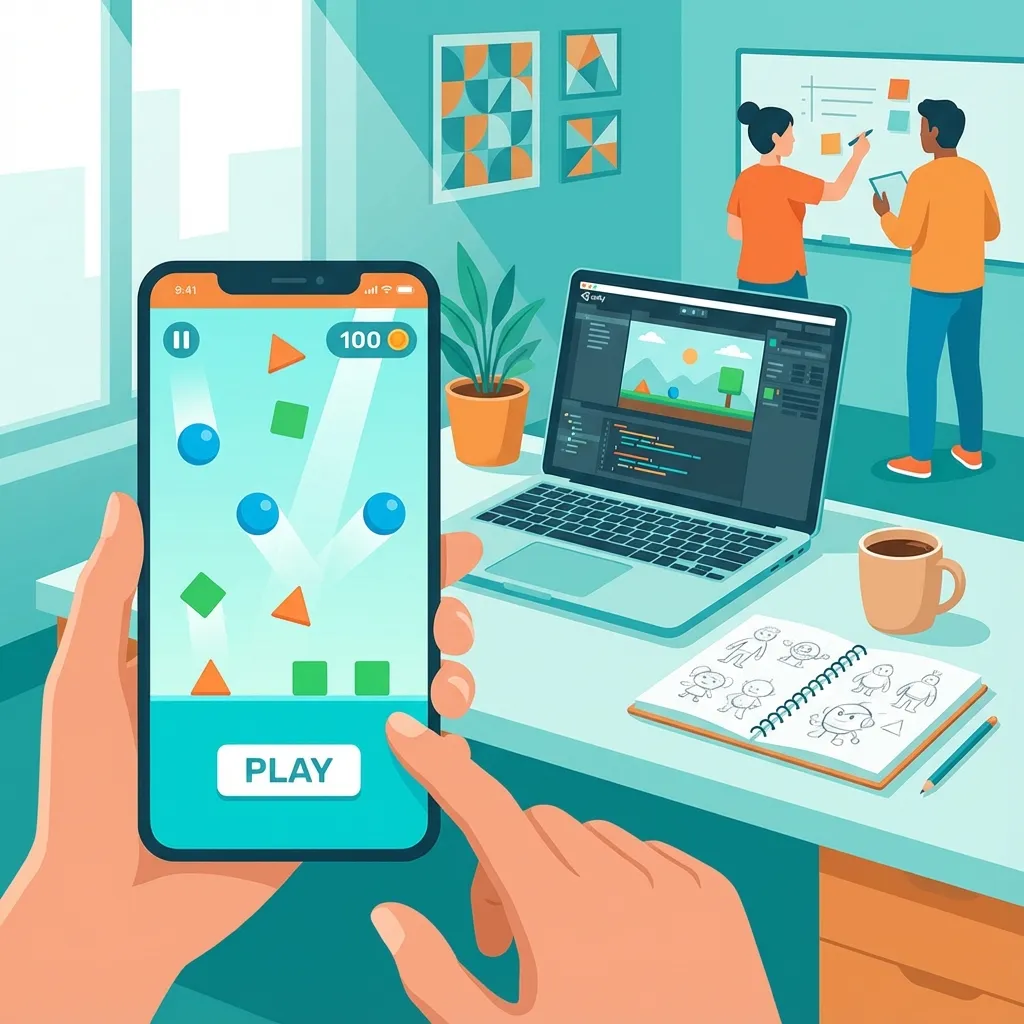
The prototype is not a small version of the full game. It is a test. It should prove the player action, controls, goal, fail state, reward, feedback, restart, and replay reason.
For a puzzle game, prototype the rule and level pressure. For a parking game, prototype the controls, camera, collision clarity, and mission success. For a runner, prototype the input, obstacle rhythm, upgrade hook, and retry flow.
Good prototype acceptance checks are specific: the build runs on a target Android device, the first action is understandable without a long tutorial, the fail state is clear, and the next production decision is obvious.
Stage 3: Production Sprint
Production turns the validated loop into a usable product. This is where UI, levels, progression, art, effects, menus, sound, analytics, ads, and store-facing features enter the build.
Production should still be milestone-based. A useful milestone has a playable build, not only task notes. For example: first playable build, level pack build, monetization build, store candidate build, and release candidate.
The biggest risk during production is scope drift. Adding a shop, daily missions, leaderboards, extra worlds, or many skins can be valuable, but each new system affects UI, testing, analytics, balance, and launch timeline.
Stage 4: QA And Device Testing
Mobile games must be tested on real devices. Editor-only testing misses touch input problems, memory issues, layout mistakes, ad SDK behavior, thermal performance, and build-signing problems.
The QA pass should cover onboarding, retry flow, level completion, ads, IAP if used, privacy prompts, audio, offline behavior, orientation, back button behavior, crashes, lower-end Android performance, and screenshot capture scenes.
Stage 5: ASO And Store Assets
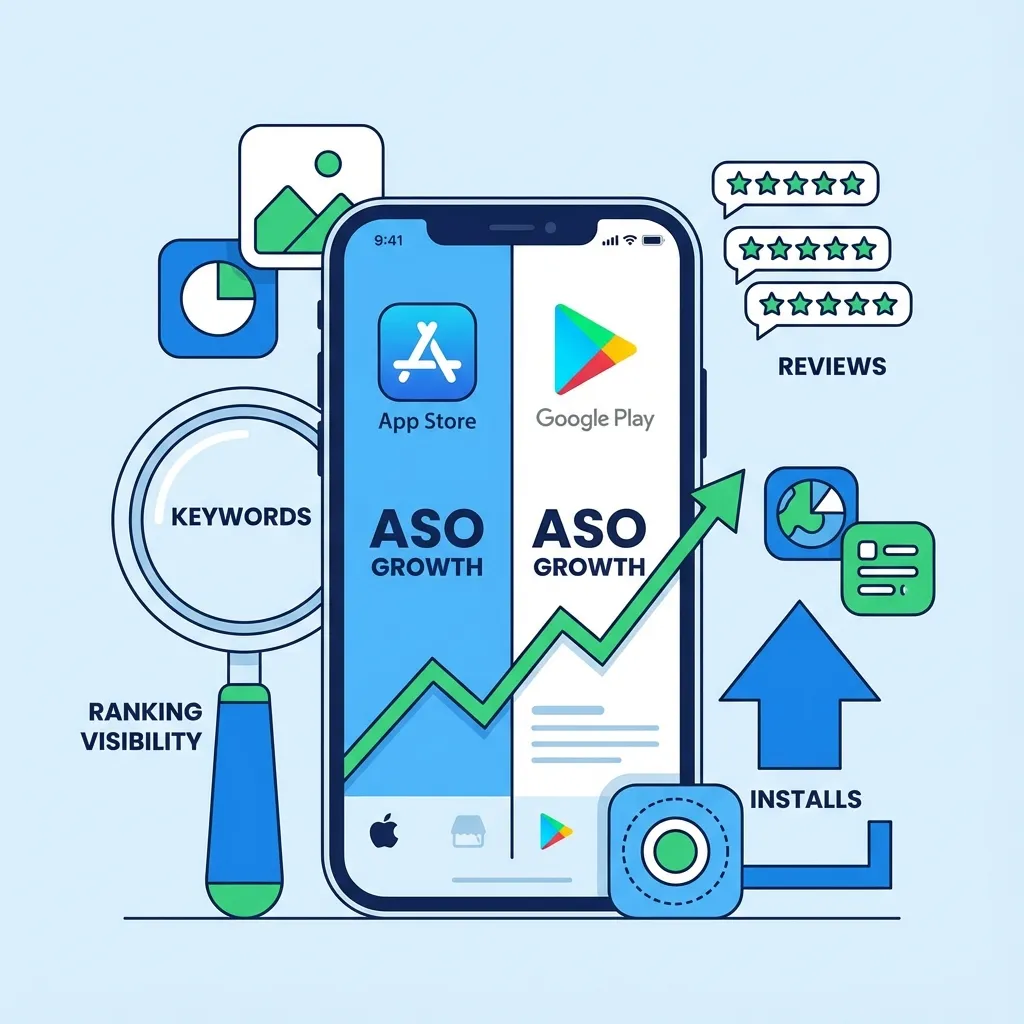
ASO should not wait until the final day. The game title, short description, long description, icon, screenshots, feature graphic, website page, and launch article should all describe the same product promise.
Use ASO Keyword Analyzer before finalizing titles and descriptions. Use Mobile Game ASO Checklist to check screenshot order, keyword intent, visual proof, and website support.
Stage 6: Google Play Launch
Google Play launch preparation includes package name, signing, target SDK, privacy policy, data safety, app-ads.txt, content rating, release notes, screenshots, icon, feature graphic, testing track, and rollout plan.
Launch should start with controlled review. Internal testing and closed testing can reveal crashes, layout issues, compliance problems, and build configuration mistakes before the public listing becomes the first test.
Stage 7: Soft Launch
Soft launch is where the team compares assumptions with real behavior. Watch install conversion, first-session completion, D1 retention, crash rate, ad opt-in, rewarded ad completion, level fail rate, and early reviews.
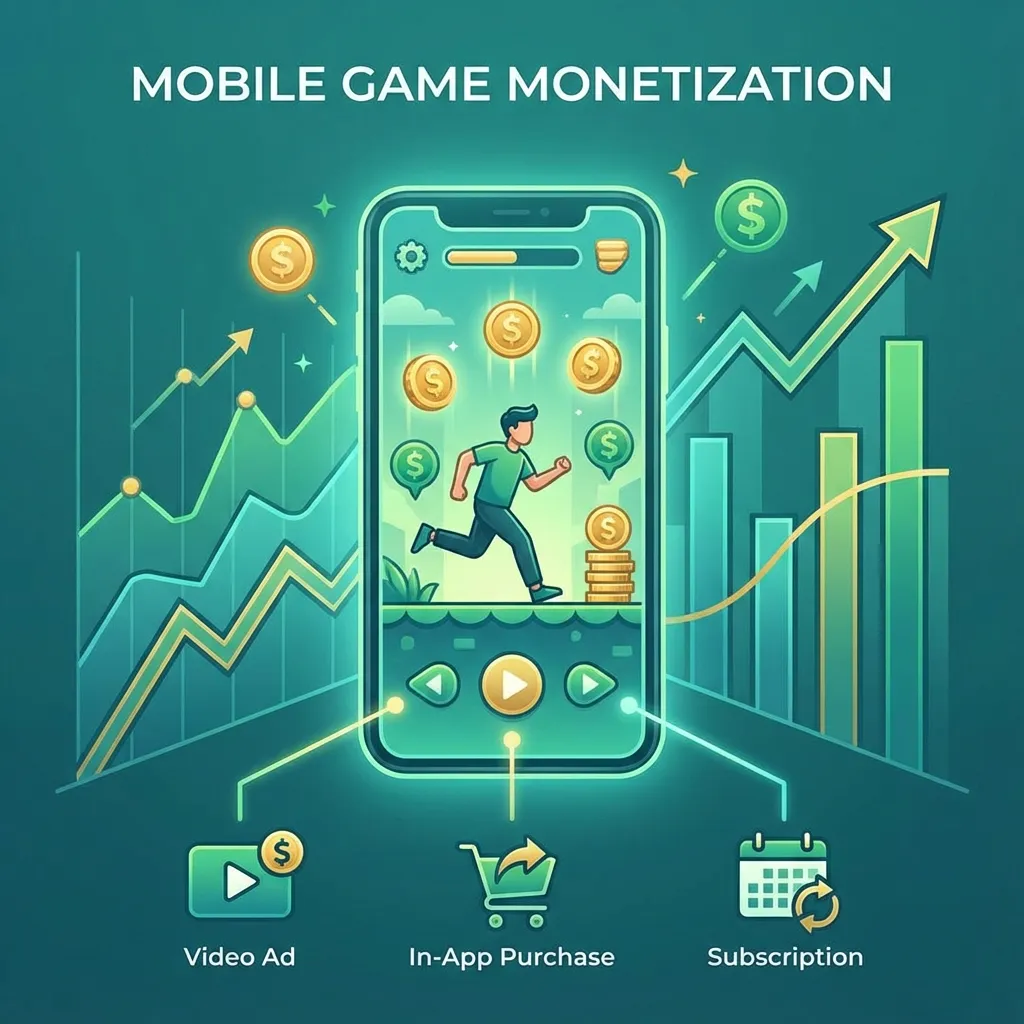
Do not judge the game only by revenue in the first days. A game with weak retention needs product work before monetization pressure. A game with strong retention but weak conversion may need store asset and ASO work.
Stage 8: First Update
The first update should fix the biggest measured blockers. That may mean onboarding clarity, level difficulty, ad timing, crash fixes, screenshot refreshes, icon changes, or store copy improvements.
This is where analytics matters. Without event tracking, the first update becomes opinion. With event tracking, the team can see where players drop, fail, watch ads, purchase, return, or churn.
Choose The Right Next Step
If the idea is not proven, start with Game Prototype Development. If the Unity build already exists, review Hire Unity Game Developer. If the game is near release, use Google Play Publishing Services. If store growth is the problem, use Mobile Game ASO Services and Mobile Game Analytics.
Final Recommendation
Plan the timeline around evidence. Prototype to prove the loop, produce in visible milestones, prepare store assets before release week, launch with analytics, and use the first update to fix measured blockers. That path is usually faster than building everything first and discovering the real problem after upload.
PRODUCTION TIMELINE
Turn the timeline into a scoped Unity milestone
Use Vexil Logic to map your idea into prototype, production, QA, store launch, soft launch, and first-update milestones.
Plan Prototype// Related Resources