Client project paths
Have a game idea or existing Unity project?
Send the stage, reference game, platform, and timeline.
Client decision lab
Use browser tools for ASO keywords, monetization forecasts, game-loop planning, and icon comparison, then turn the result into a clearer development brief.
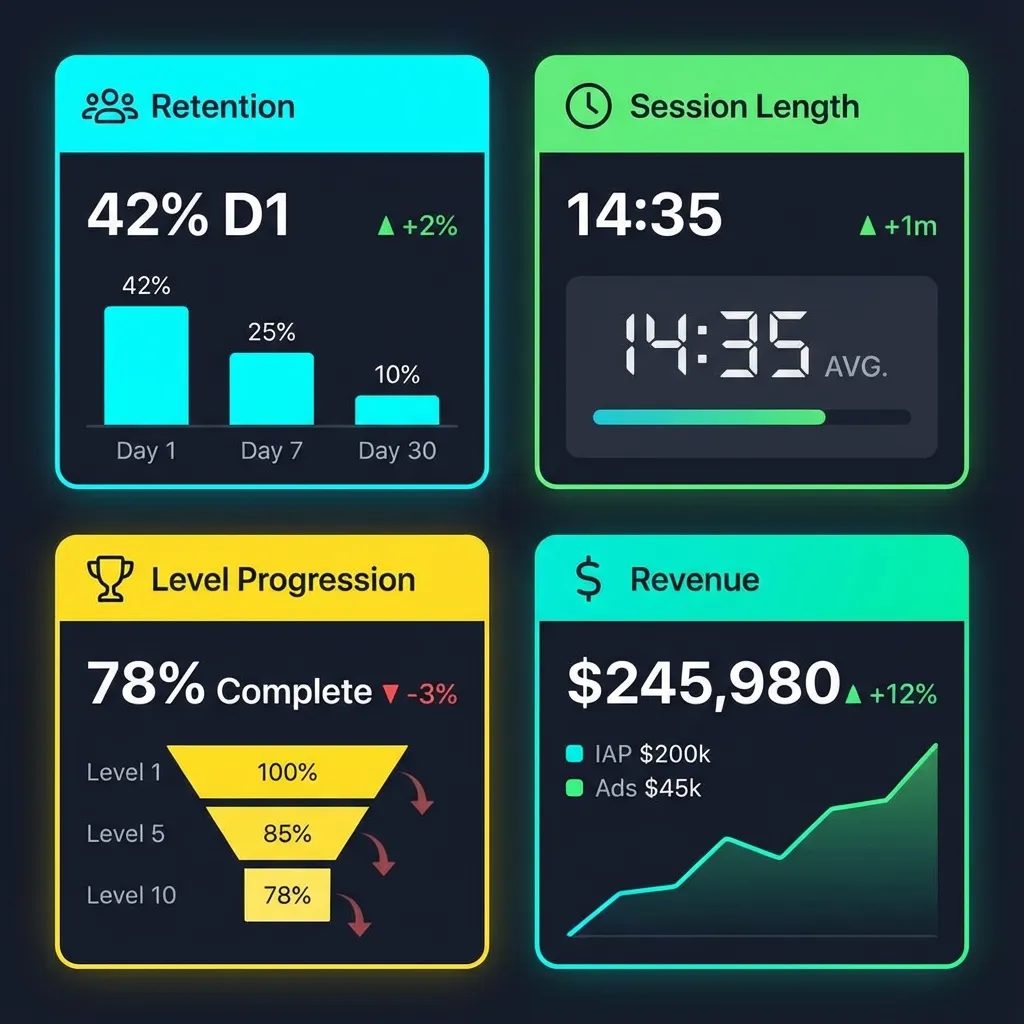
Open a tool
Try a focused planning tool, keep the result, and use it to prepare a clearer production, ASO, monetization, or launch brief.
Analyze keyword difficulty, search volume, and competitor rankings for your app store listing.
Use this before launch to compare genre, mechanic, competitor, and intent keywords for Google Play or App Store listings.
Estimate your game's revenue potential based on DAU, ARPDAU, retention, and ad fill rates.
Model rewarded ads, interstitials, IAP assumptions, fill rate, eCPM, retention, and LTV before buying traffic.
Plan your core and meta game loops visually. Export as PDF for your GDD.
Map player actions, feedback, rewards, progression, fail states, and return reasons before Unity production starts.
Upload two icon variants and get a side-by-side analysis of visual impact and CTR predictions.
Compare icon readability, contrast, visual noise, center focus, and store-thumbnail strength before ASO testing.
Workflow
The best use of these tools is not a pretty report. It is a better production decision before Unity, ASO, monetization, or launch work begins.
Pick the tool that matches the question: keyword direction, revenue model, core loop, or icon strength.
Run the browser tool, compare outputs, and collect the numbers or structure needed for a production brief.
Use the output to request ASO, monetization, Unity prototype, or Google Play publishing support.
From tool result to production