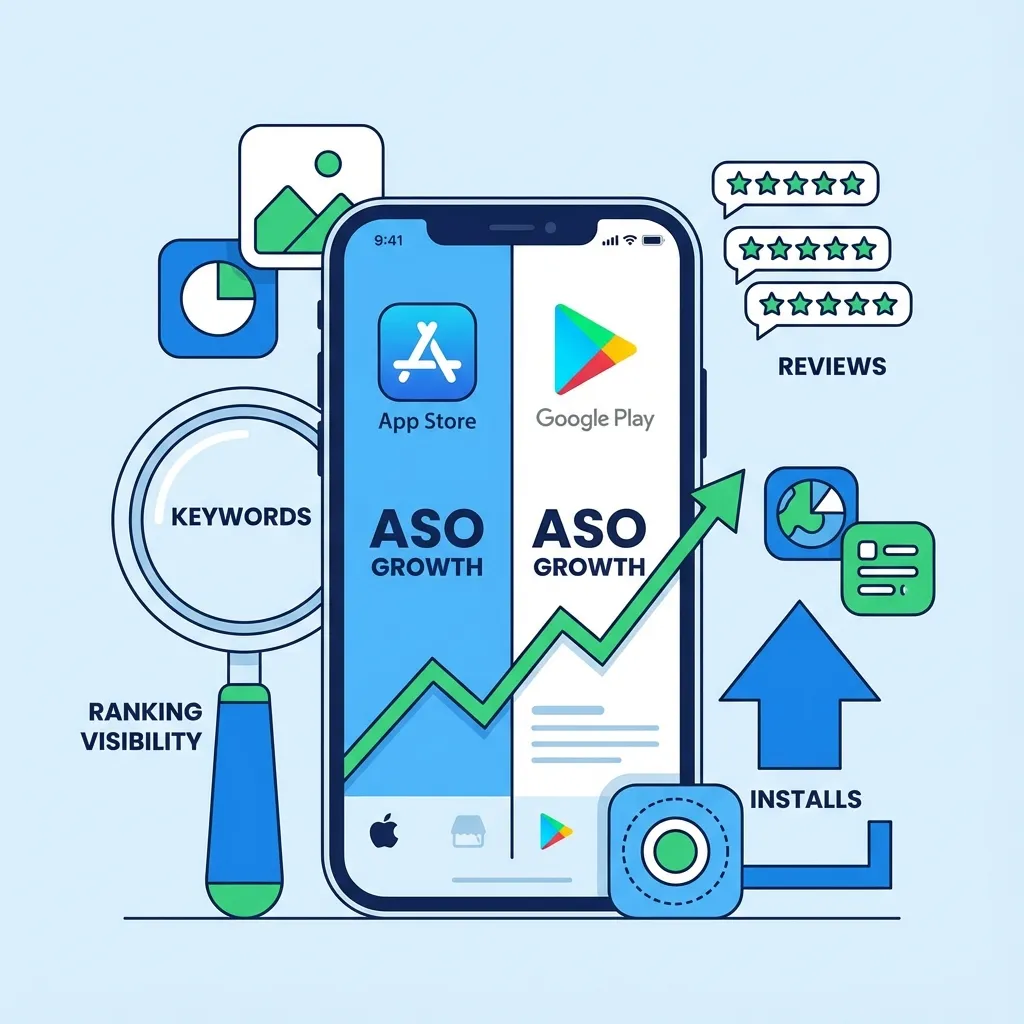
A mobile game ASO checklist should cover discovery and conversion. Keywords help players find the game, but the icon, screenshots, ratings, title, description, and first-session match determine whether search impressions become installs.
Use this checklist for new launches, reskins, screenshot refreshes, and relaunches.
1. Define The Store Promise
Write one sentence that explains the game:
- What does the player do?
- What genre or mechanic is it?
- Why should they install now?
- Is it relaxing, challenging, offline, fast, realistic, funny, or competitive?
If the store promise is unclear, keyword research will become scattered. A good promise might be: sort buses and passengers in short traffic-jam puzzle levels, or park cars through night-city missions with realistic mobile controls.
2. Build Keyword Groups
Do not start with one keyword. Build groups.
- Genre keywords: puzzle game, parking game, merge game, cricket game
- Mechanic keywords: sort, merge, park, drive, unlock, match
- Audience keywords: casual, offline, relaxing, challenging, kids, family
- Platform keywords: Android game, iPhone game, mobile game
- Competitor language: phrases used by similar games and category leaders
Use ASO Keyword Analyzer to compare relevance and opportunity before writing final metadata.
3. Choose Title Options
The title should be readable first and optimized second. A natural keyword can help, but an overloaded title can reduce trust.
Prepare three title options:
- Brand-first title
- Mechanic-first title
- Genre-first title
Choose the option that best matches screenshots, gameplay, and search intent.
4. Write A Strong Short Description
The short description should explain the core loop quickly. Avoid vague slogans.
Weak: The ultimate fun game.
Stronger: Sort buses, clear traffic, and solve quick parking jam puzzles.
The stronger version tells the player what they will do and gives Google Play clearer language.
5. Structure The Long Description
Use natural sections. Cover gameplay, controls, modes, levels, progression, offline play, monetization where relevant, and audience. Do not repeat keywords unnaturally.
For puzzle games, explain the rules, difficulty, boosters, hints, and level variety. For simulators, explain controls, vehicles, environments, missions, and performance.
6. Review Icon Readability
The icon must work at small size. Check it at search-result scale, not only full size.
- One clear subject
- Strong silhouette
- High contrast
- No tiny unreadable text
- Visual match with the genre
- Different enough from competitors
Use Icon Ab Tester to compare icon directions.
7. Screenshot Order
The first two screenshots are critical. They should show gameplay proof.
- Screenshot 1: core action
- Screenshot 2: main benefit or strongest mechanic
- Screenshot 3: progression, rewards, or modes
- Screenshot 4: variety or challenge
- Screenshot 5: social proof, collection, or update promise
Captions should be short and readable. Do not hide the game behind UI mockups or abstract art.
8. Ratings And Review Timing
Ask for reviews after positive moments: a win, unlock, streak, completed mission, or satisfying reward. Do not ask after a crash, fail, ad interruption, or confusing tutorial.
Reviews are not only a reputation signal. They reveal product problems. If players complain about ads, controls, crashes, or confusion, ASO work should connect to product fixes.
9. Website Support
A website supports ASO through trust, crawlable context, and external linking.
- Create a game page
- Link to the store listing
- Add screenshots and gameplay description
- Link to relevant services and case studies
- Publish a launch or checklist article
- Add internal links from blog posts and tools
This site uses game pages, case studies, tools, and service pages to create that support structure.
10. Internal Link Support
Internal links help users and search engines understand topic relationships.
Link ASO content to:
- Mobile Game ASO Services
- Google Play Publishing Services
- ASO Keyword Analyzer
- Mobile Game ASO Improvement
- Google Play ASO Checklist Games
11. Post-Launch Iteration
ASO is not finished at launch. Review impressions, installs, conversion rate, search terms, ratings, reviews, crashes, and retention.
If impressions are low, revisit keywords and external discovery. If impressions are high but installs are low, improve title, icon, screenshots, and short description. If installs are strong but retention is weak, the store promise may not match the game.
Final ASO Advice
The best ASO work is honest. Make the game easy to understand, show the real gameplay, match keywords to the actual loop, and improve based on measured data. Search visibility and player trust should move together.
ASO SUPPORT
Improve store visibility and install conversion
Use Vexil Logic for mobile game keyword mapping, screenshot order, icon review, listing copy, website support, and ASO iteration.
Improve ASO// Related Resources