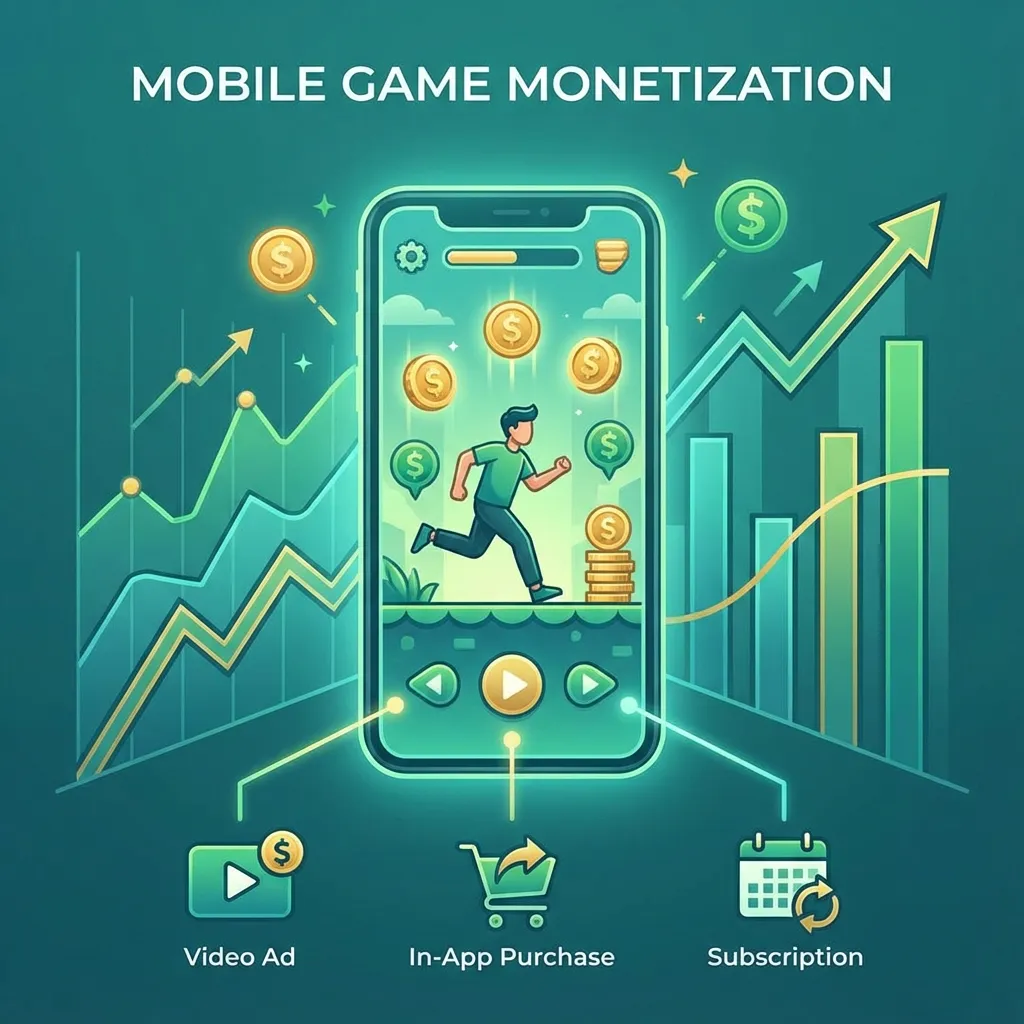
Publishing a mobile game on Google Play is not only uploading an AAB. A professional launch connects the Unity build, Play Console setup, store listing, privacy disclosures, app-ads.txt, ASO, analytics, screenshots, and staged rollout into one release plan.
The safest launch path is to prepare the listing and technical checks before the final build. When publishing is treated as the last task, teams often discover missing privacy links, broken signing, wrong package names, weak screenshots, missing app-ads.txt records, or ad SDK issues too late.
Launch Readiness Overview
Before upload, confirm the release artifact, store identity, policy details, testing track, and measurement setup.
- Android App Bundle or APK export is tested on real devices
- Package name and signing are correct
- Target SDK and permissions are reviewed
- Privacy policy and data safety answers are ready
- App-ads.txt is published when ads are used
- Screenshots, icon, feature graphic, and descriptions are prepared
- Analytics and crash reporting are enabled
- Internal testing or closed testing is planned
Build And Signing
The release build must use the correct package name and signing setup. Changing package names after planning can break continuity, links, app-ads.txt expectations, and store ownership assumptions.
For Unity games, also check build size, architecture settings, Android manifest entries, SDK conflicts, permissions, orientation, graphics API choices, and plugin compatibility. A game that works in the editor can still fail on device because of build settings or SDK behavior.
Store Listing Assets
The listing should explain the game quickly. The title and short description should match the core loop. Screenshots should show actual gameplay. The first two screenshots should not be abstract branding; they should prove what the player does.
For casual games, use short captions that connect to the action: sort, merge, park, drive, score, upgrade, unlock, or play offline. For simulation and sports games, show controls, missions, vehicles, stadiums, environments, or challenge modes.
ASO Before Launch
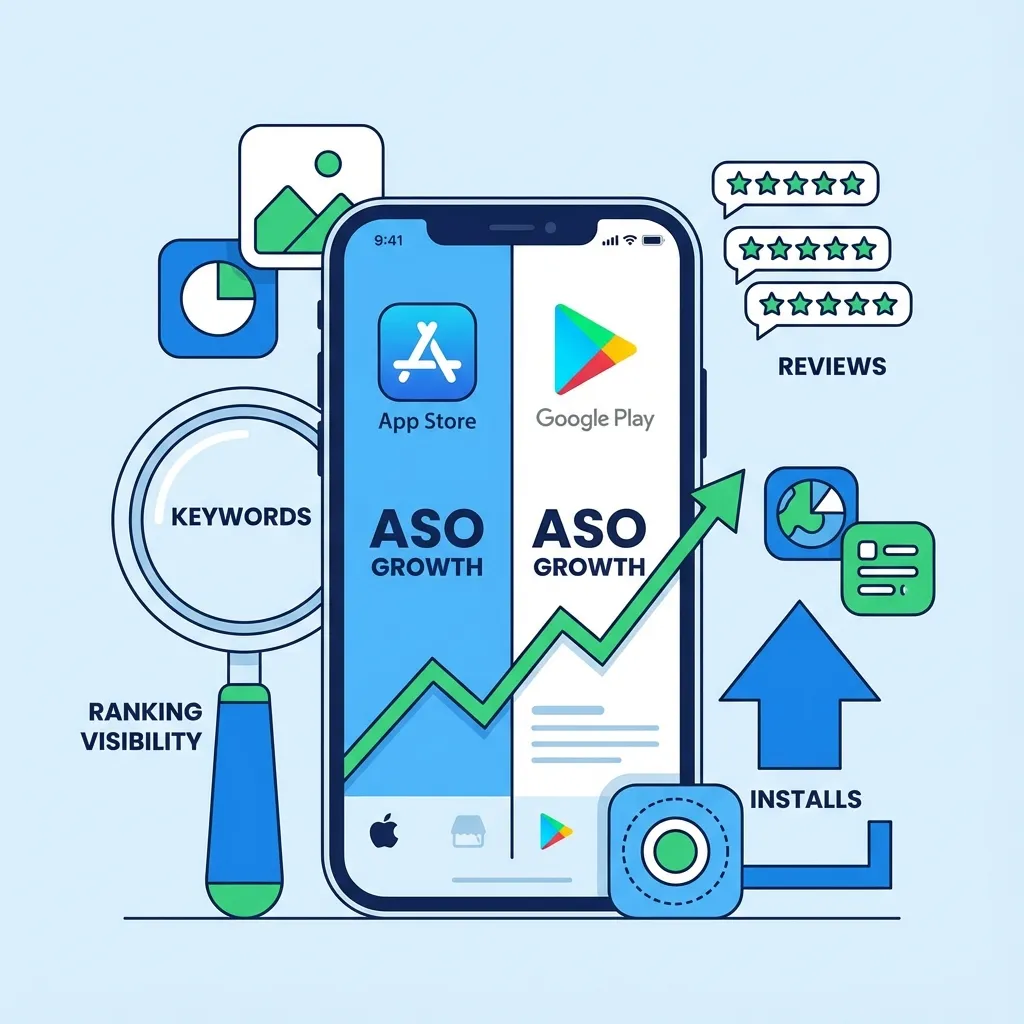
ASO should be planned before upload. Use keyword groups by genre, mechanic, audience, and intent. The best title is readable, relevant, and honest. Keyword stuffing can reduce conversion even if it creates temporary visibility.
Use ASO Keyword Analyzer to compare title and keyword options. Use Mobile Game ASO Checklist for the wider ASO workflow.
Data Safety And Privacy
Google Play requires accurate disclosures. Ads, analytics, crash reporting, IAP, accounts, and personal data can affect the data safety form. Do not copy another app's answers. Review the SDKs used in the actual build.
The privacy policy should be live, accessible, and consistent with the data practices in the game. If children or family audiences are involved, the policy and store settings need extra care.
App-Ads.txt
If the game uses ads, app-ads.txt helps authorize ad sellers for the developer domain. The file should be published on the root domain and match the ad network requirements. A missing or incorrect app-ads.txt can hurt monetization trust.
This site already serves /app-ads.txt, which is a good foundation. The remaining work is to keep network entries current with actual monetization partners.
Testing Tracks
Use internal testing for fast build checks and closed testing for wider device feedback. Testing should verify install, launch, first session, ads, purchases, crashes, orientation, sound, offline behavior, privacy links, and screenshot accuracy.
Testing is not only technical. It is also a way to check whether the listing promise matches the game. If screenshots promise relaxing merge gameplay but the first session feels confusing, store conversion and reviews can suffer.
Staged Rollout
A staged rollout reduces risk. Release to a smaller percentage first, watch crashes and reviews, then expand. Early problems are easier to fix before the game reaches a wider audience.
Monitor crash-free users, ANRs, ratings, install conversion, retention, ad events, and user feedback. If the first audience finds a serious issue, pause or slow the rollout before scaling.
Website Support
A game page or launch article supports trust, search discovery, and external reputation. Link the game page to the Play Store listing, show screenshots, explain the loop, and connect to relevant case studies.
Continue with Google Play Publishing Services for Play Console work, Mobile Game ASO Services for listing improvement, Mobile Game Analytics for measurement, and Mobile Game ASO Improvement for the supporting workflow.
Common Launch Mistakes
The most common launch mistakes are avoidable:
- Uploading before testing on real devices
- Using screenshots that do not show gameplay
- Leaving privacy or data safety answers until the end
- Forgetting app-ads.txt for ad-supported games
- Launching without analytics or crash reporting
- Showing aggressive ads during onboarding
- Treating the first public launch as the first QA pass
Final Launch Advice
Launch is a system. The build, listing, compliance, ASO, analytics, ads, and first update plan should be prepared together. A clean launch does not guarantee installs, but it removes avoidable blockers and gives the team useful data for the next update.
LAUNCH READINESS
Prepare the build, listing, and rollout before upload
Get help with Unity release checks, Google Play assets, privacy, app-ads.txt, ASO, analytics, monetization, and staged rollout.
Prepare Launch// Related Resources